Procedural Milky Ways
A quick explainer on how to create procedural milky ways in Blender's world shader.
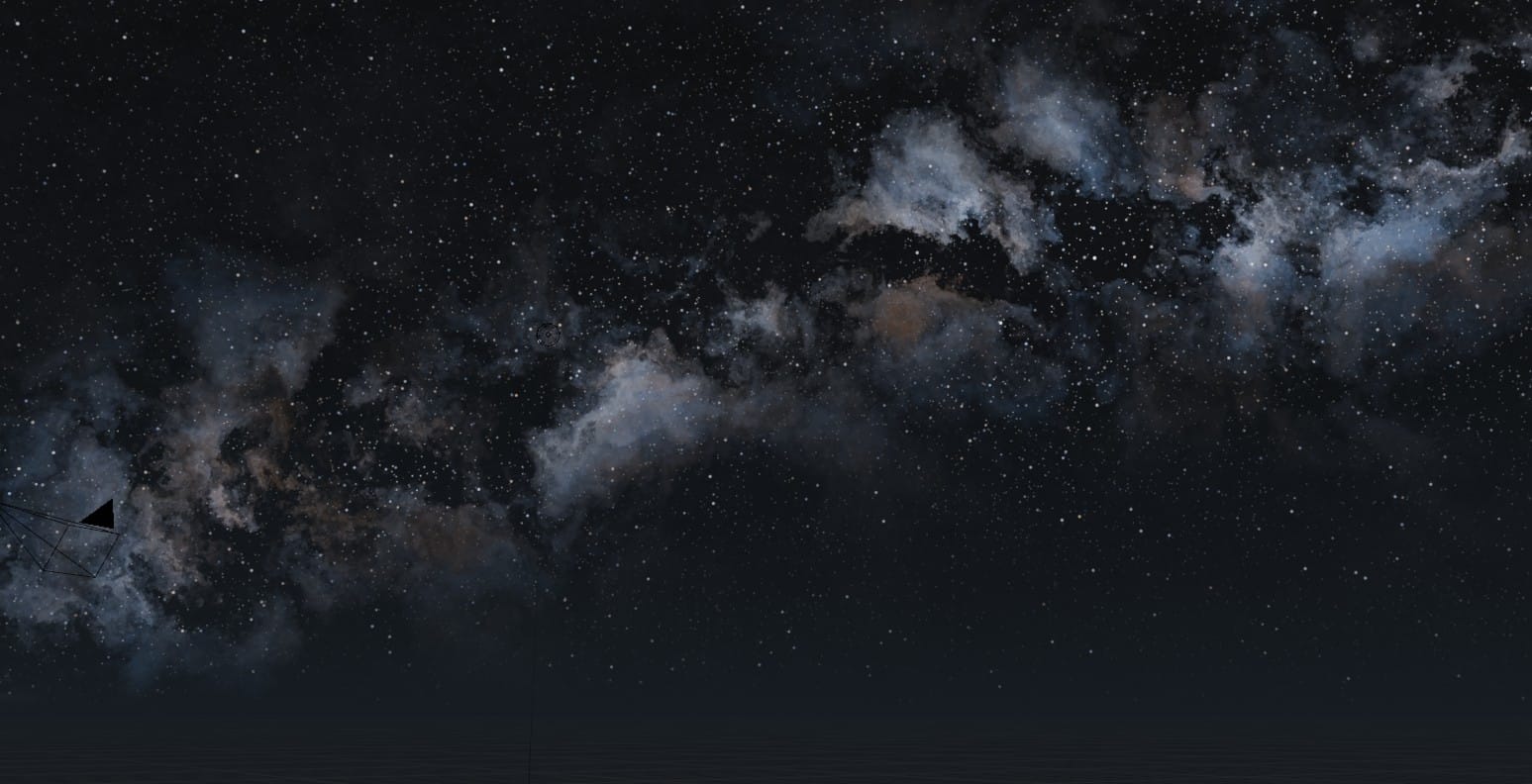
During the past February I worked hard on a submission to the Dream Sequence Challenge, just to realize one day too late that the deadline was already over. Either way, here is my would-have-been submission:
The milky way you can see in the background was a last-minute addition, because the scene felt too empty without it. I couldn't find any decent HDRIs that suited the style I was going for, so I quickly threw together a couple nodes and created my own world shader for procedural milky ways.
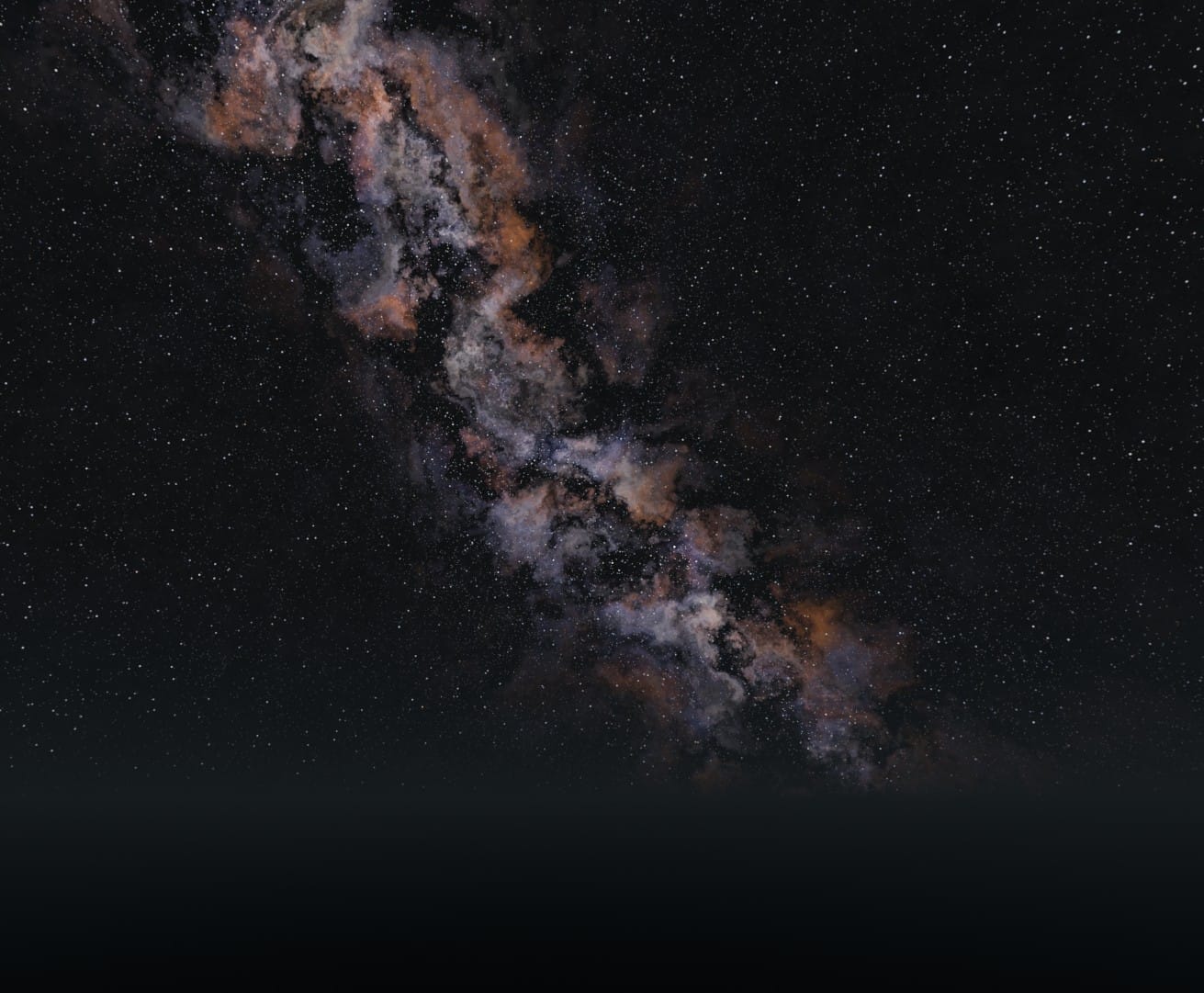
Fastforward two weeks, I revisited the node group and packaged it nicely to make it usable for others. Here is a preview:
You can find the node group here on my Ko-Fi page.
The basic concept is fairly simple. Let \(X\) be x component of the Generated texture coordinate in your world shader. Then calculating the exponential falloff function \(e^{-w*|X|}\), with \(w\) being the target width, gives us:
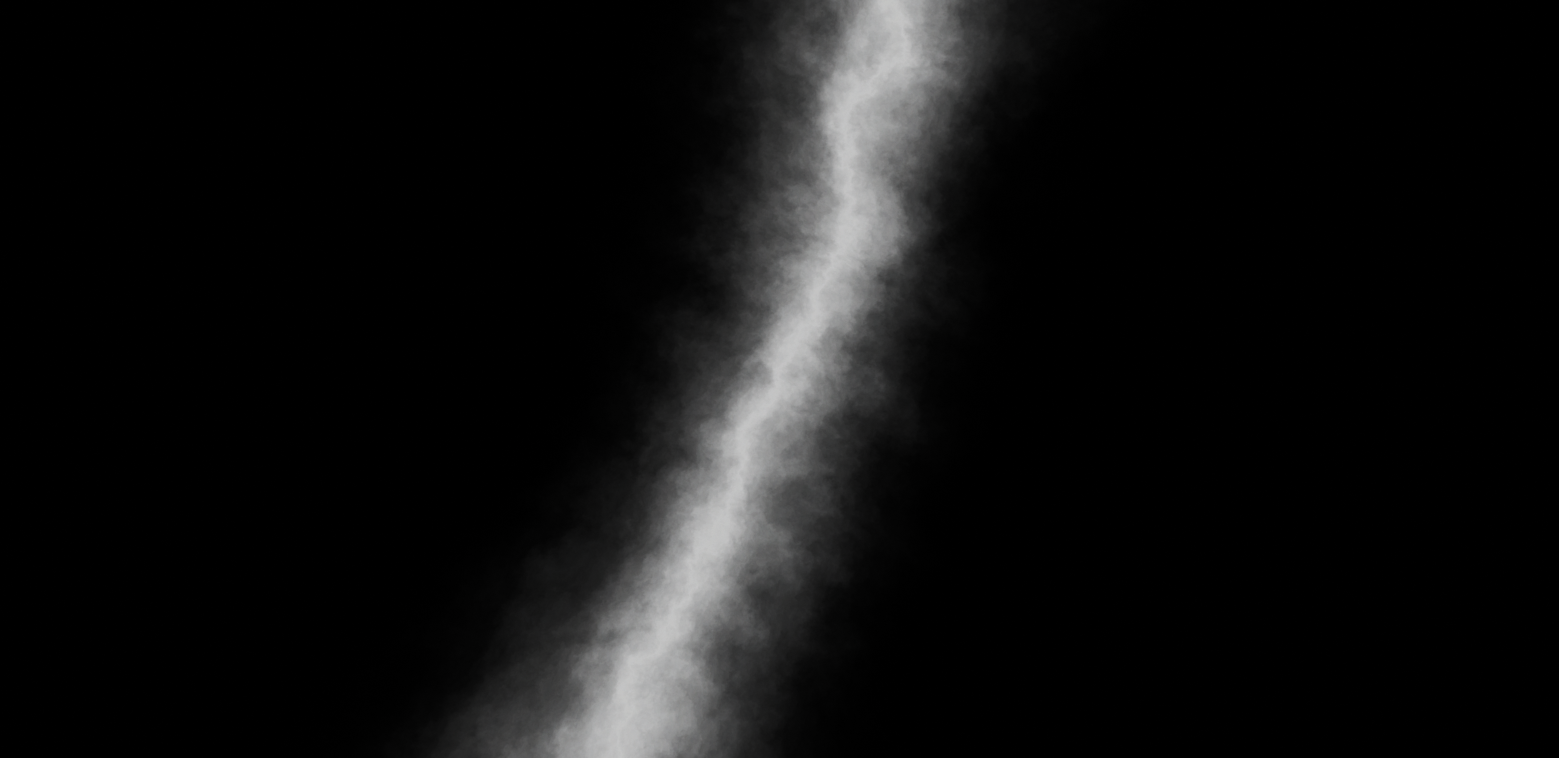
This already uses a coordinate system slightly displaced by a perlin noise texture.
By subtracting a secondary gradient, calculated in a similar way based on \(X\) that resembles the central shadow of the milky way, and by subtracting a detailed voronoi texture to introduce more randomness, we get:
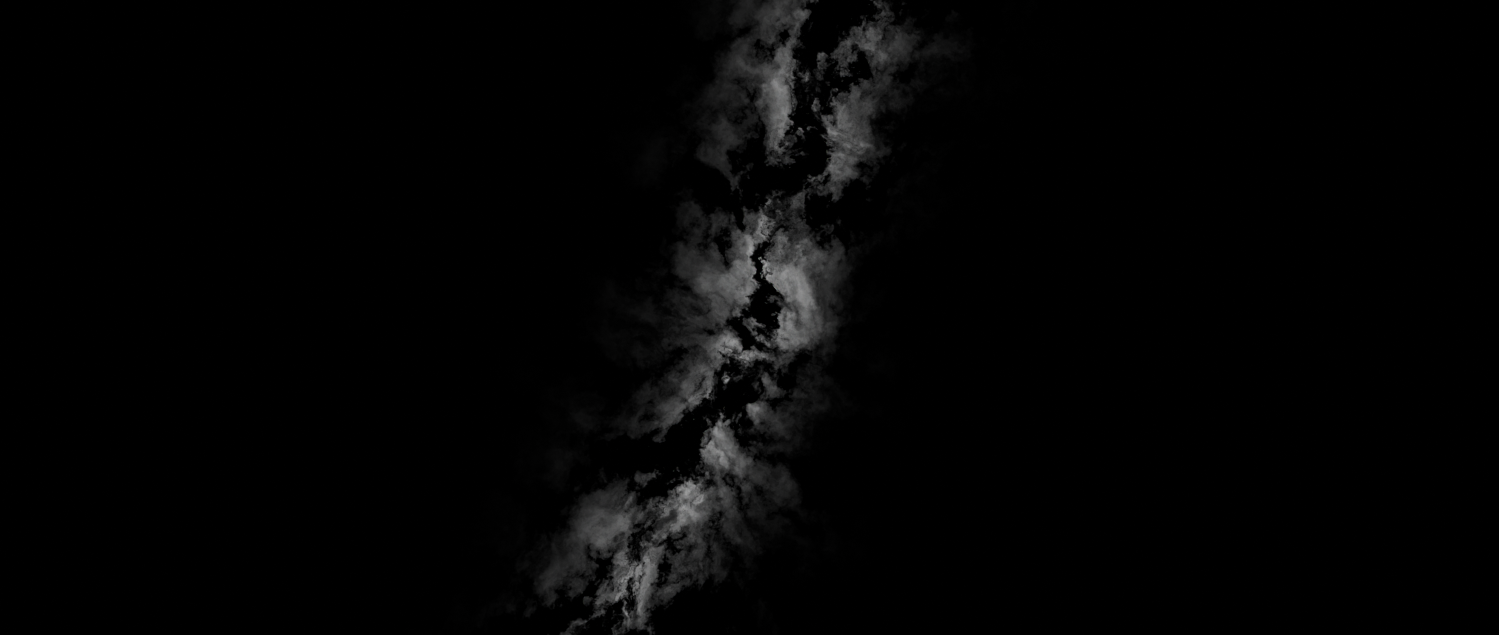
This already looks fairly similar to a a milky way, no?
The rest is basically just added fluff; I added colors with another set of noise textures, a star field with scaled-up voronoi textures and a ground plane with haze that also follows an exponential falloff function based on the z coordinate.
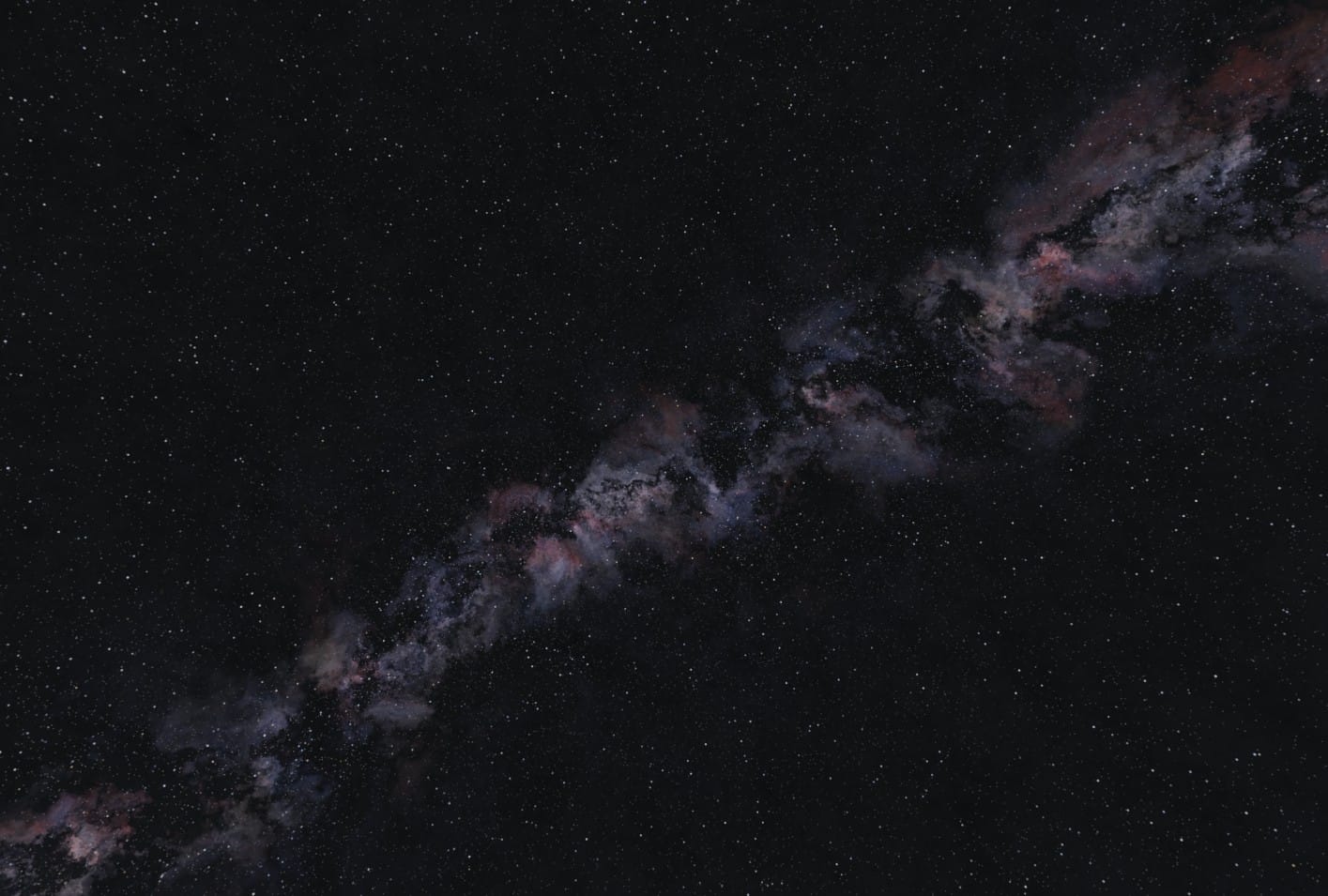
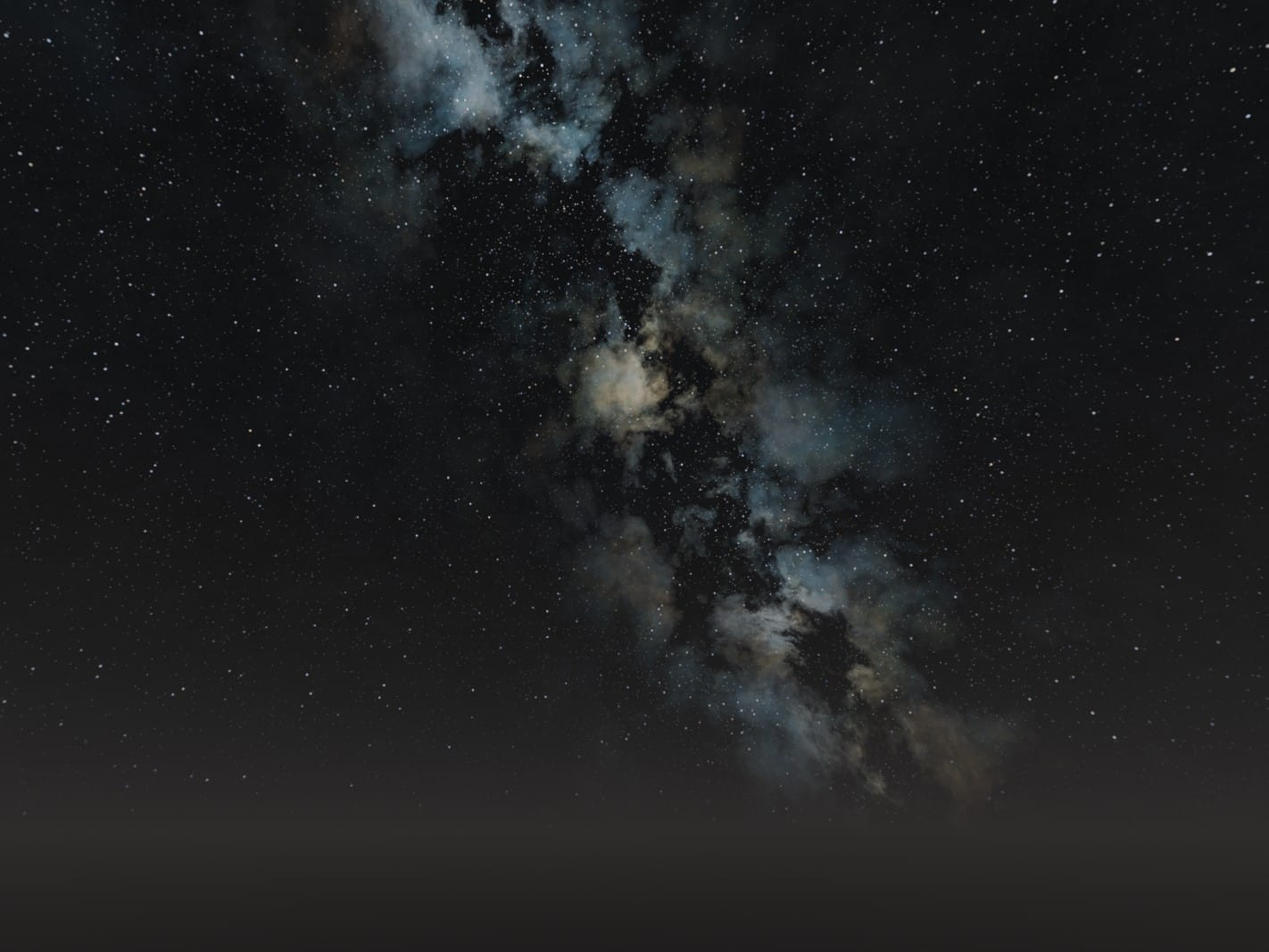
Feel free to try it out yourself and ask me on Mastodon if you got any questions. Here are a few more example renders: